This release brings powerful new communication and publishing features, enhanced AI integration, and a refreshed design for public sites. It also includes numerous small improvements to the editing experience and system stability.
Version 2764
New Features ✨
Announcements Channel
Create announcement channels to share important updates with your team
Announcements display an unread count indicator in the navigation tree
A channel can be exposed as RSS or Atom feed for external subscriptions
Control publishing with draft/published status workflow to only make the announcement visible to the other users when it’s ready and reviewed
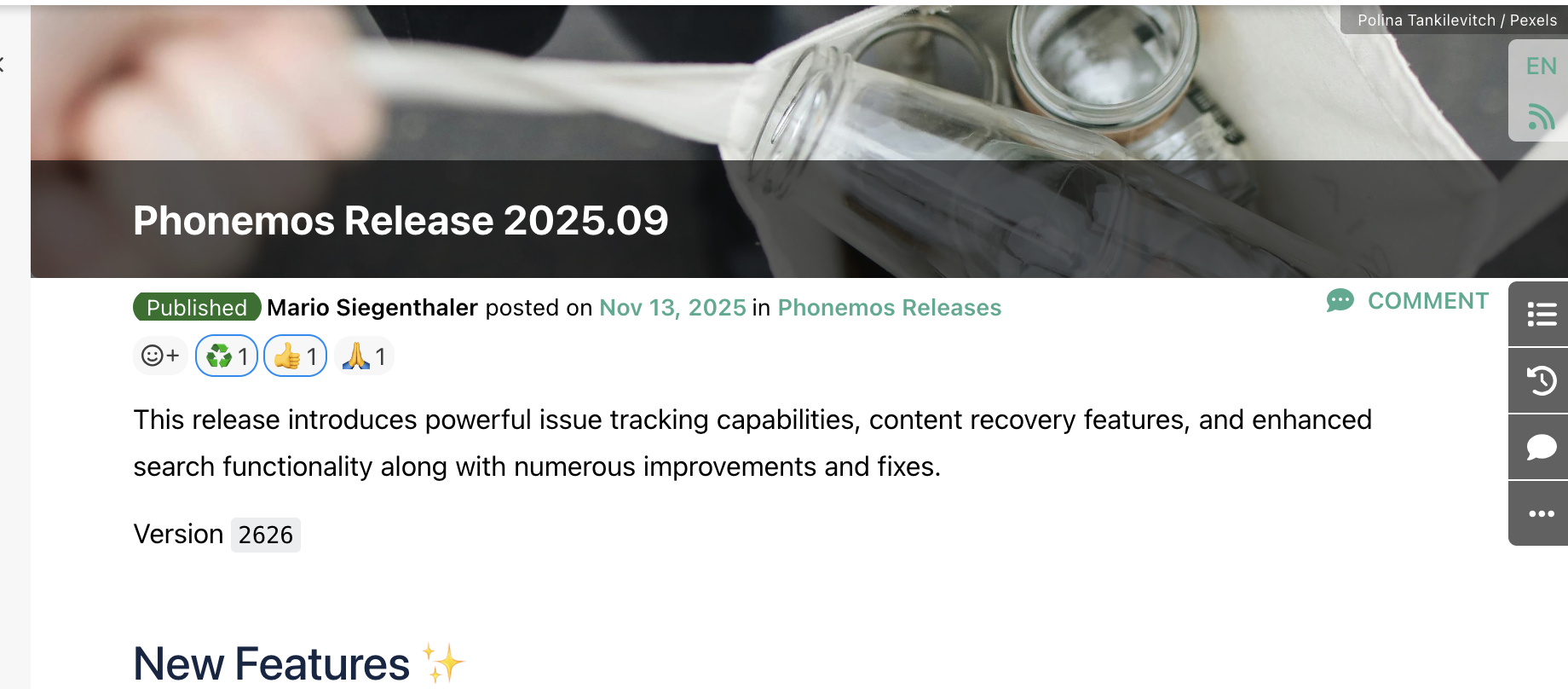
Nicer Pages With Title Images
Add eye-catching title images to pages and announcements
Redesigned page headers with better placement of language indicators and page notes
Cleaner, more intuitive layout with the language selection now at the top right of the page
Choose from a stock image service or upload your own images
Refreshed Public Site Design
A modern, attractive default theme for public sites to make it easier for you to publish content. You can still design and use a completely custom design, but now you can also just use a nice default that looks like the Phonemos documentation page.
Choose your color theme and add a custom logo
Improved support for diagrams (drawio and BPMN now render as images)
Enhanced AI Integration (MCP Server)
Improved authentication support for ChatGPT, Claude, and Mistral AI desktop and web clients. It can now be added as standard Connector by your administrator and then it’s easily activated by you users.
Flexible configuration options including pseudo-dynamic client support
Advanced metadata search across both custom and system fields (last updated, updated by, draft status) allowing prompts such as “summarise the pages that are still in draft stadium”
Contact your Phonemos partner to connect your Phonemos instance to your LLM-provider
Improvements ⚡
User Profile
Nicer user profile interface with password and passkey management options
Custom user profile page links (configurable)
Export Improvements
Provide nice default templates for the export for Word
Provide nicer PDF template both for with and without title page and table of contents
Allow to download the built-in templates. This makes it easy for you to create your own templates based on them.
Fixes 🛠
System Stability
Fixed issue preventing topic deletion
Links to data record sets now display correctly (previously showed as "not visible")
Fixed "no permission" screen appearing for users without assigned roles
Improved activity display on narrow screens and multi-column layouts
Corrected date format localisation on public sites
Fixed errors when exporting pages with invalid internal links
Resolved missing images in exports for pages that were imported from Confluence
Security & Deployment
Helm Chart now available for on premise deployment with custom SSL-certificate support and externally managed secrets
More reliable database performance with increased shared memory allocation
Technical Updates
Updated to Typst 0.14.2 and Pandoc 0.8.3 for exports (may require template dependency updates)
Switched to Ubuntu-based backend image for improved stability
Various dependency updates for improved security and performance