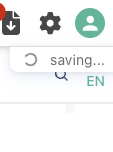
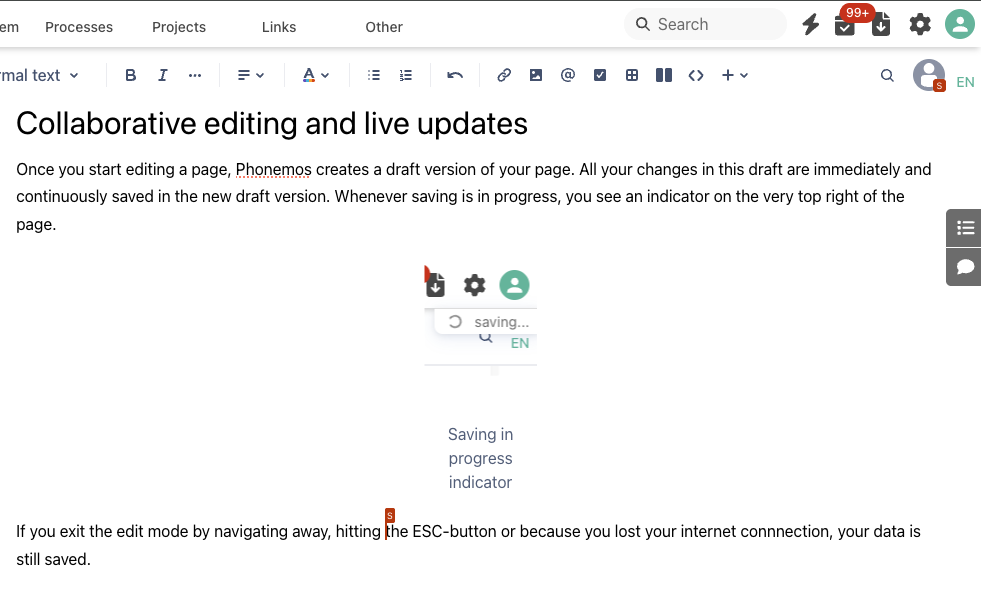
Once you start editing a page, Phonemos creates a draft version of your page. All your changes in this draft are immediately and continuously saved in the new draft version. Whenever saving is in progress, you see an indicator on the very top right of the page.
If you exit the edit mode by navigating away, hitting the ESC-button or because you lost your internet connnection, your data is still saved.
If the same page is edited by another user, you will see a new user indicator shown in the top right of the page and an additional cursor indicator that shows, where the user user is currently editing the page.
Use this to work on all content without the fear of merge conflicts and let your meeting participants directly correct your typos when you are writing the meeting note… :-)