Do you have lots of topics? Don’t let your users search through endless lists of them. Build a logical menu structure that suits your needs, whatever they are. Group your topics by organizational unit, customer, process or product.

In addition to your topics, you can also add any Phonemos object directly into the menu structure. Add links to external systems to make Phonemos your launch pad to find all other systems you need to work with.
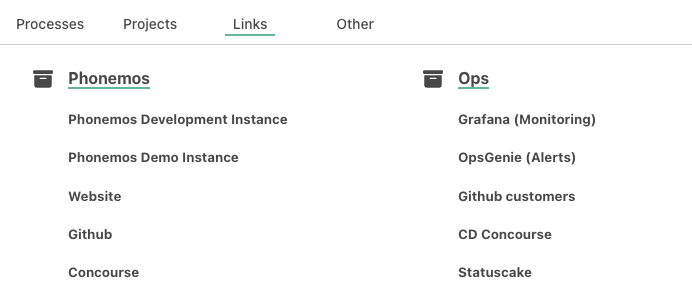
Adding a topic into the right menu
When you create a new topic, the topic creation wizard always asks where in the menu you would like to add a topic.
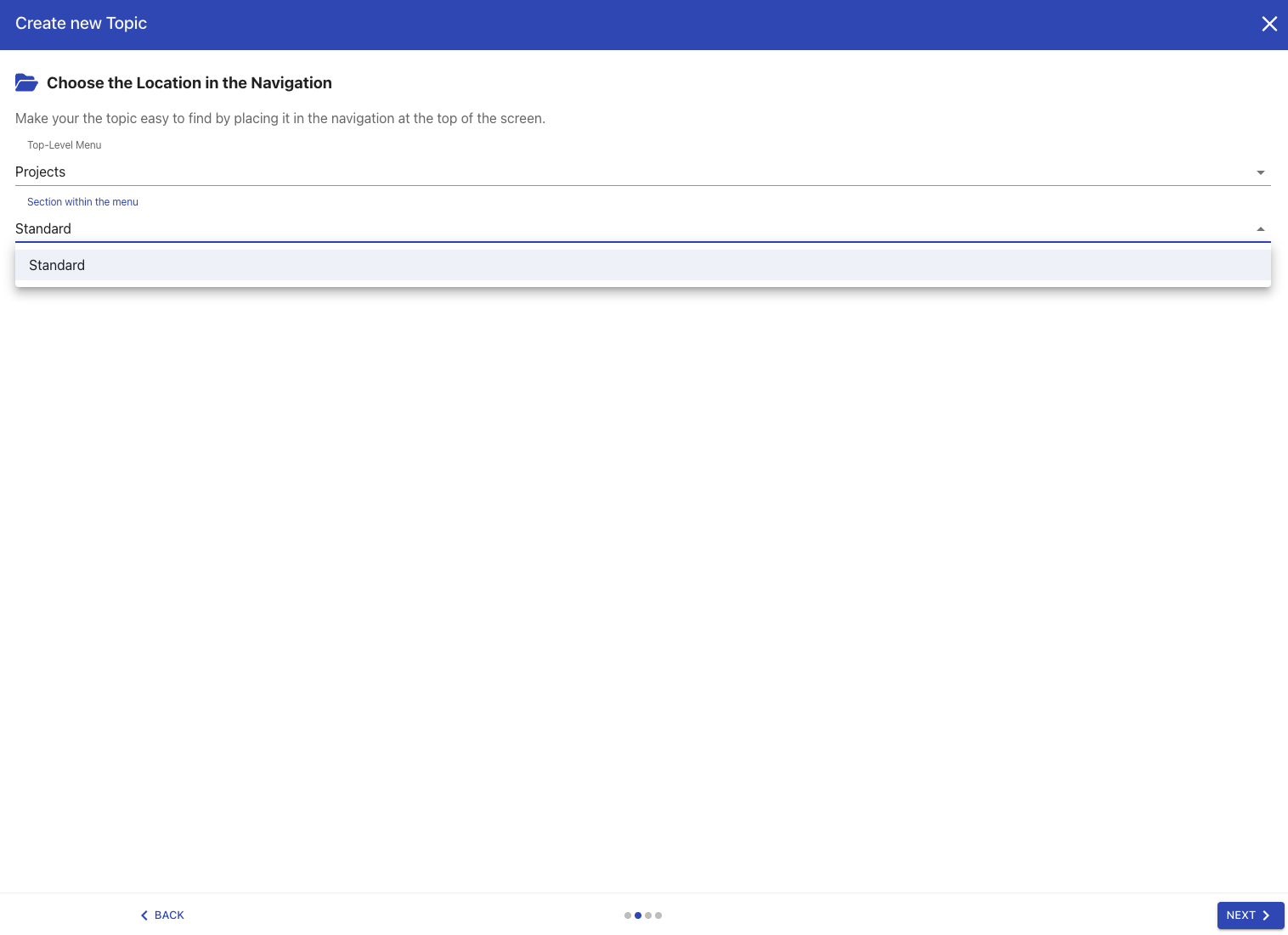
This makes sure that the topic is immediately registered into the right menu item and not just sits in a long, unordered list of topics.
Navigation editor
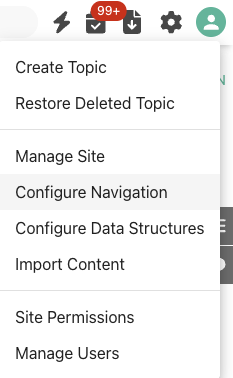
If you want to modify the menu nagivation, find the navigation editor in the top right settings menu as a site manager:
From here, add menus and sections and drag and drop your topics and other Phonemos objects.
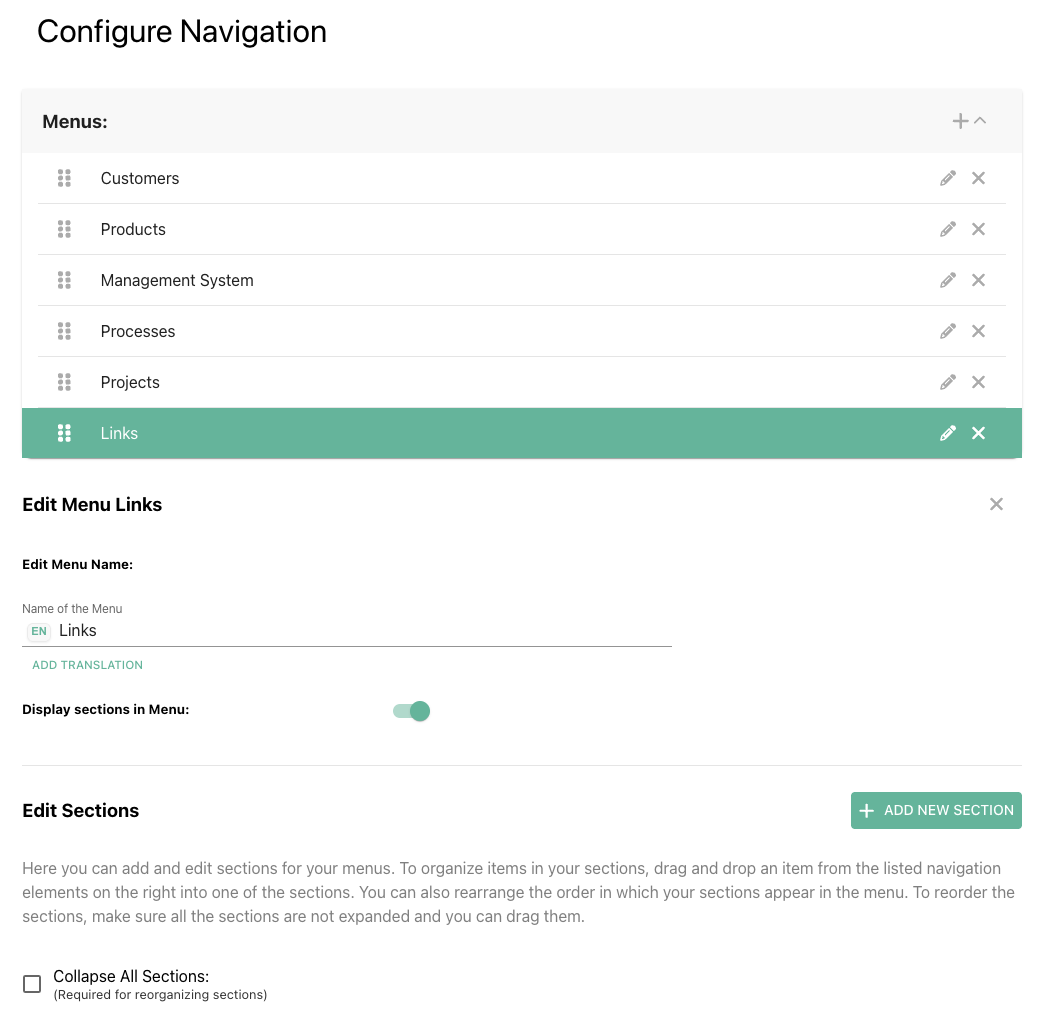
All items in the navigation editor can be translated. We decided not to use auto-translate for such labels since lacking context information and having only 1-2 words to work with, the translation tools will very often translate very badly, either using the wrong translation if a translation is ambiguous outside of context or it translates proper nouns like product names that you don’t want to translate at all.