If you want to just save some files, add a file stack anywhere in your tree. A file stack is essentially nothing else than a folder for files.
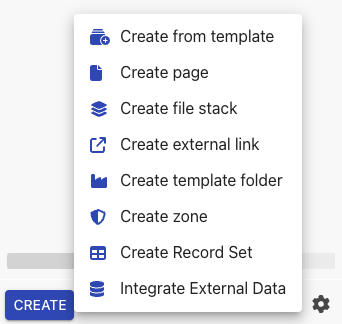
Afterwards, you can simple upload new file versions by drag & drop into the pane or use the +-icon on the botton right to upload a file.
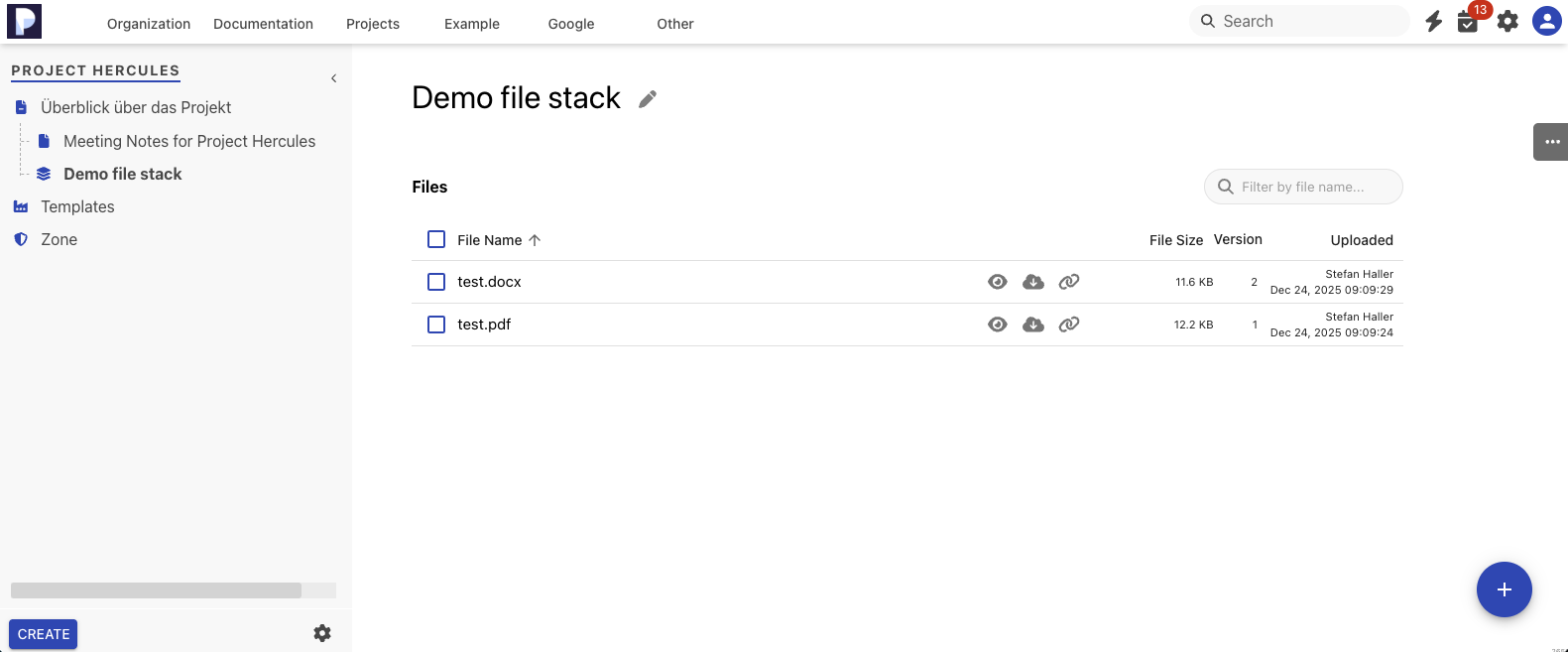
Phonemos will Index Word and PDF files for search upon upload. It will also try to OCR-based text recognition in embedded images for search. Files in file stacks are versioned. See Versioning, history and restoring deleted objects for more information.
For each file, it shows three action icons:
view
download
copy a direct link to this file into the clipboard
Download and link are pretty self explanatory. The view action will show a preview of the file.
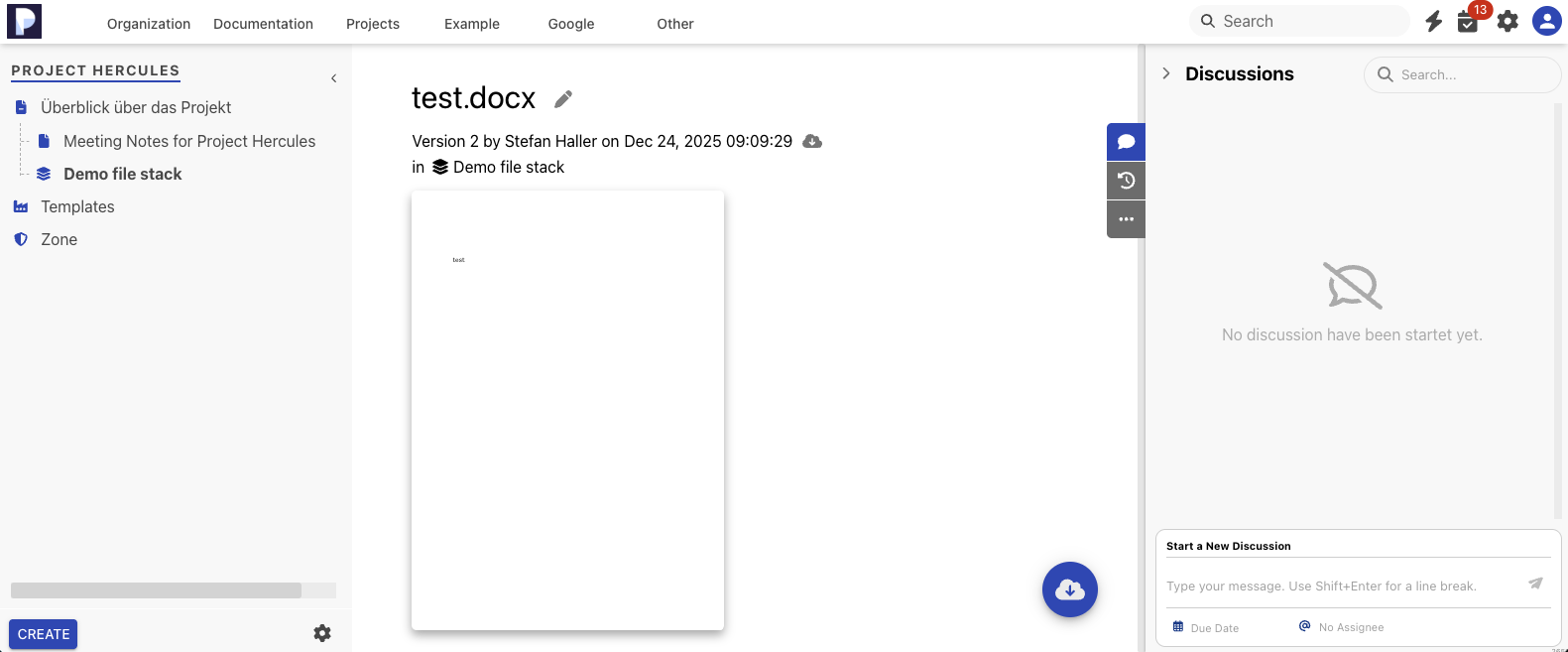
PDF, images and Microsoft Office files can be displayed directly in a preview mode. Please note that there is a sidebar on the right that will allow you to start a discussion or retrieve previous versions of the file. And through the “…”-menu item in the side bar, you can also delete a file. Note that delete will not actually erase any data, the item will just land in the current topic’s trash.