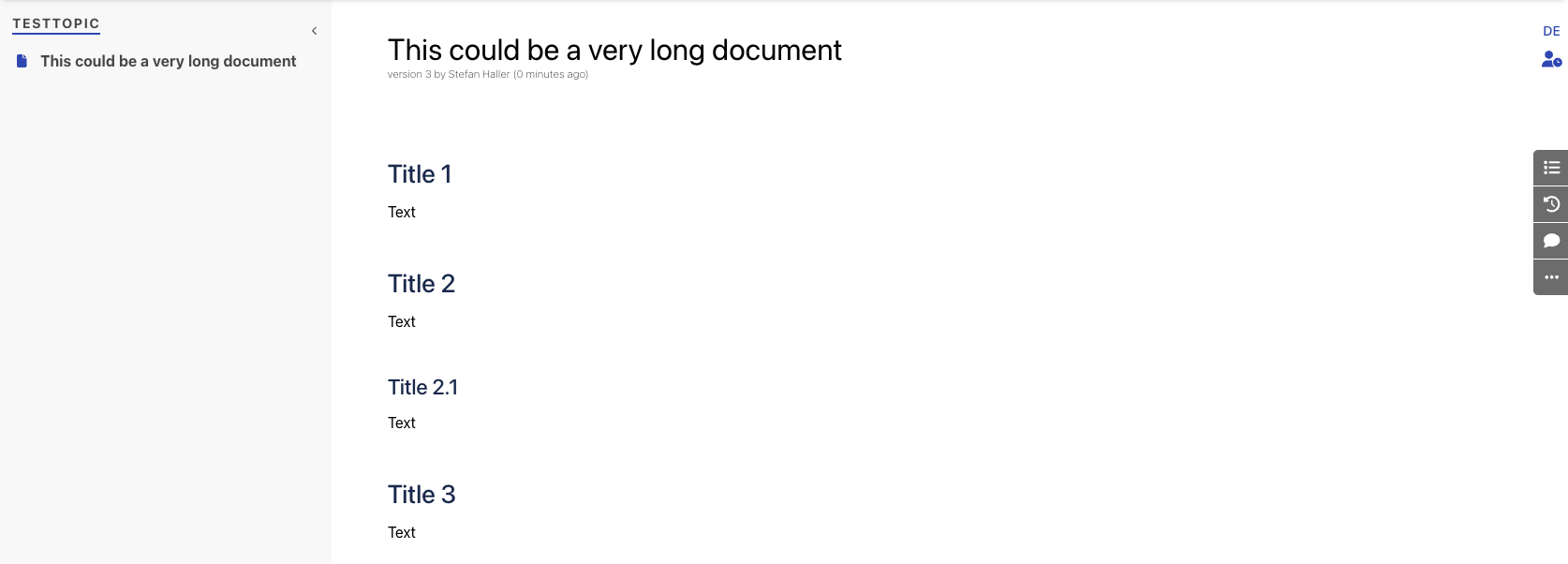
The most useful wikis are made of small, focused pages — one topic, one purpose, one place to link to. When a page grows into a long document covering multiple subjects, it becomes harder to navigate, harder to maintain, and harder for your team to actually use. Giant pages are a sign that structure is missing, not that content is thorough.
With Phonemos, you can split an oversized page into focused sub-pages, or merge related stubs into a single clear document — keeping your knowledge base tidy as it grows.
Split a page into subpages
This will split a page into subpages for each main heading. This is especially useful if you imported a bunch of office documents and you want to turn them now into wiki pages. Use the “…” menu in the sidebar to find the menu item “Split Page by Headings”.
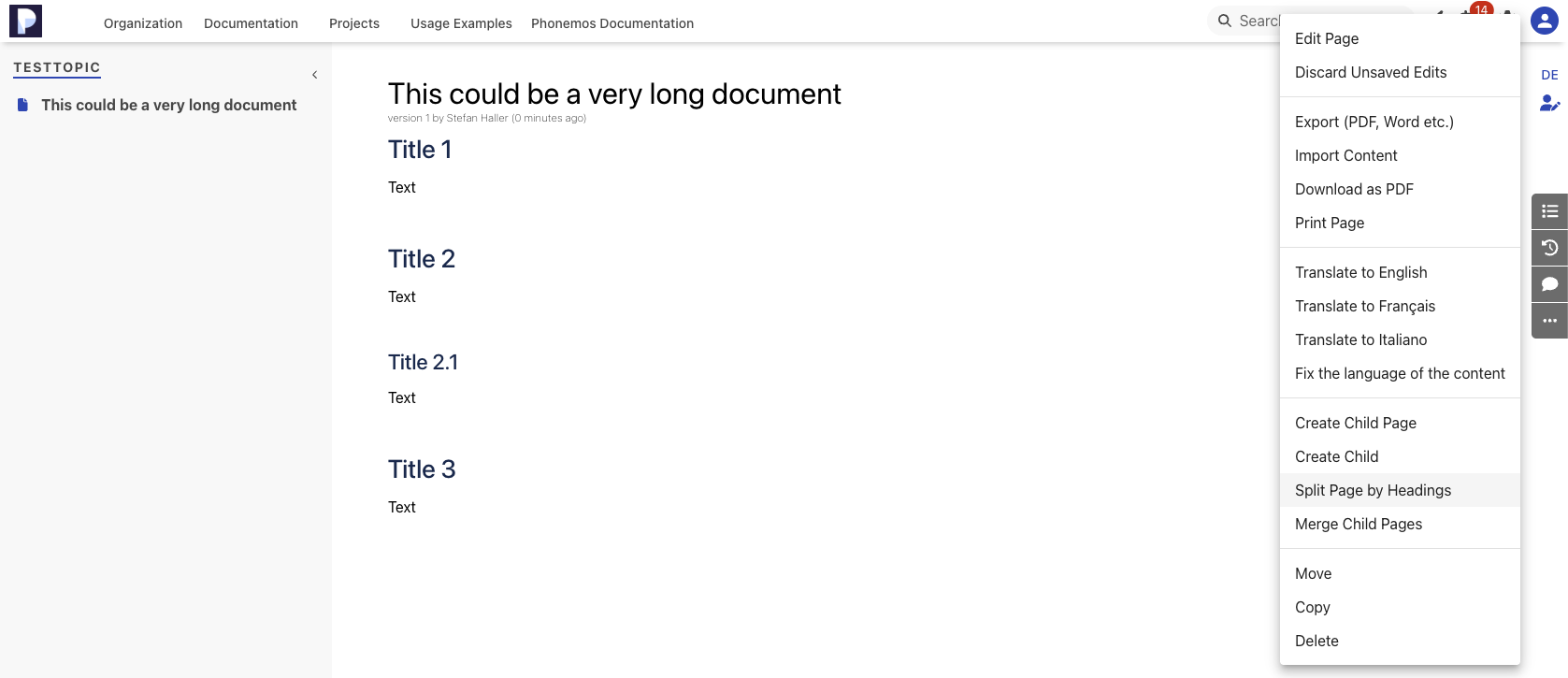
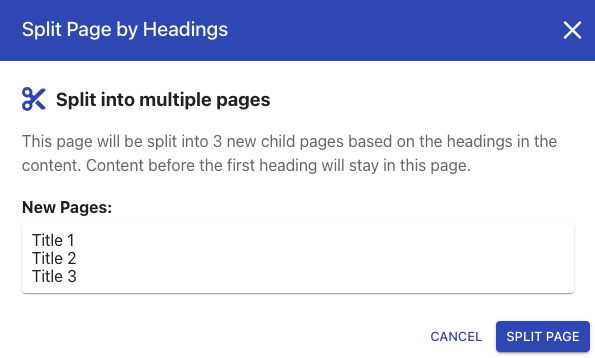
A popup is shown that explains what the system plans to do.
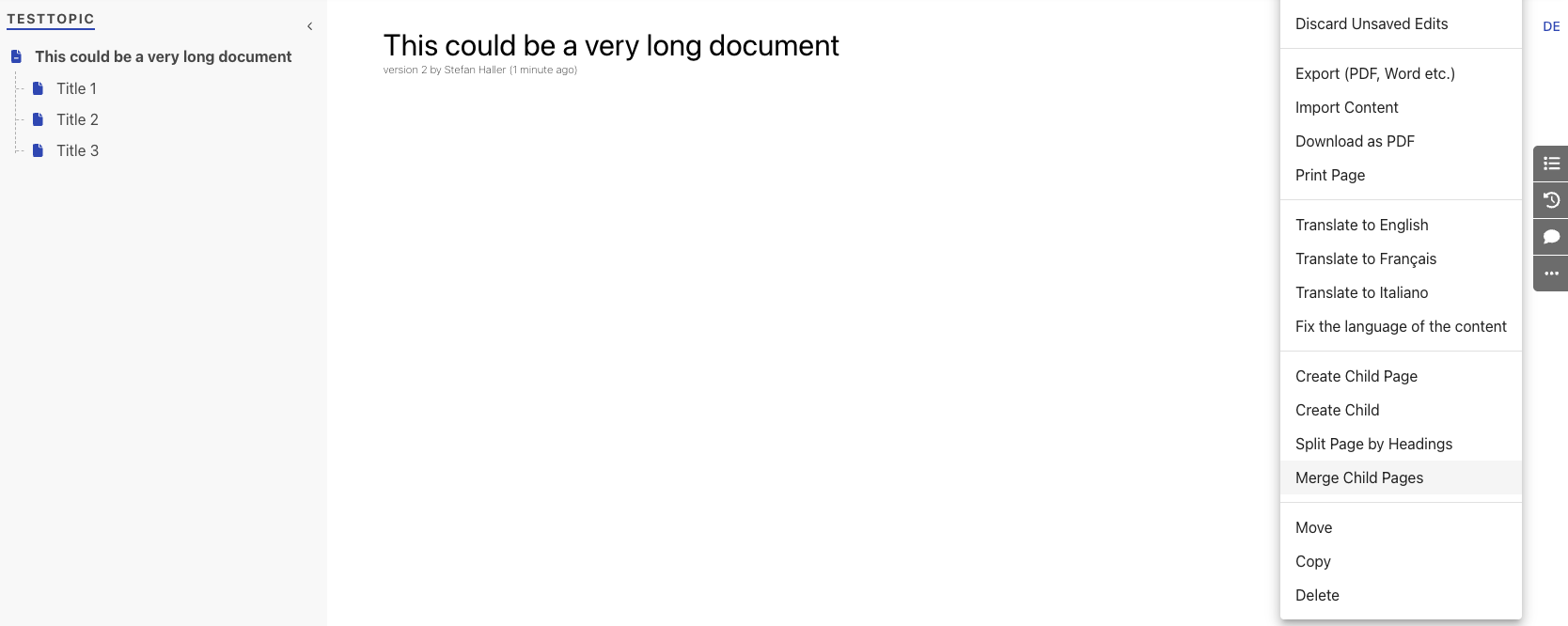
Once confirmed, the subpages are made:

Merge subpages into parent
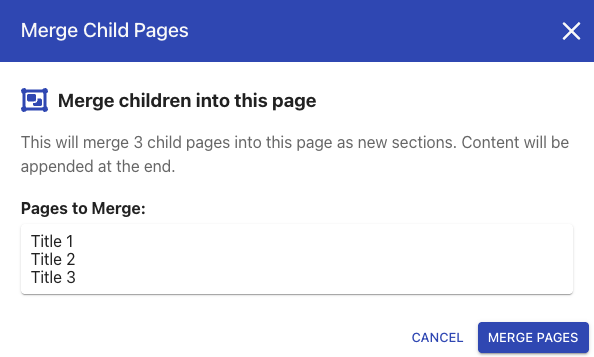
This is the reversal of above split function. Open the parent page you want to merge child pages into and use the “…” menu in the sidebar and select merge child pages.
A popup is shown explaining what the system plans to do.
After confirming merge, the result looks like this: