You can start a discussion on any page or file (in a file stack) using the right side pane Discussions pane.
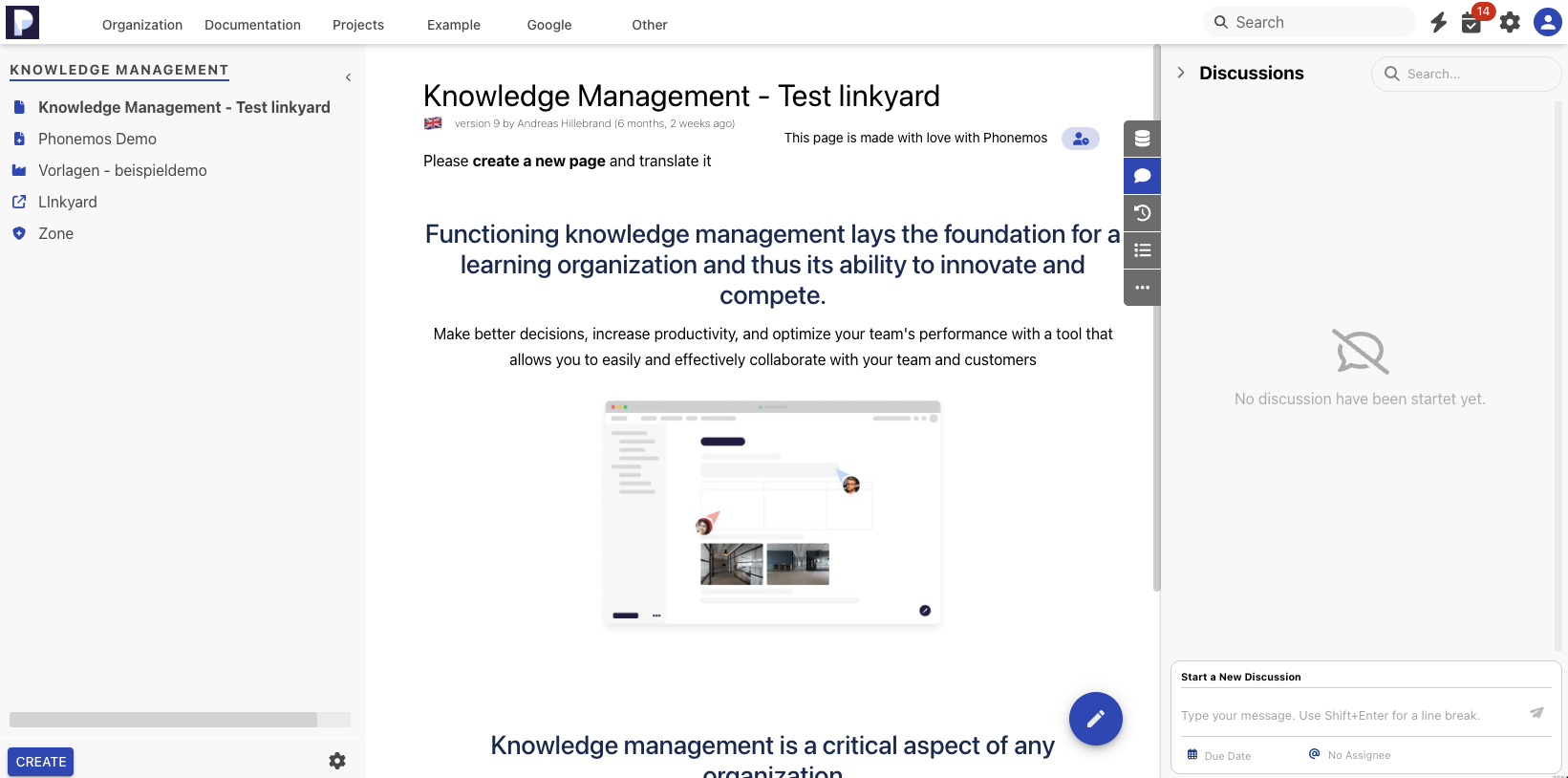
You can start a new discussion from there.
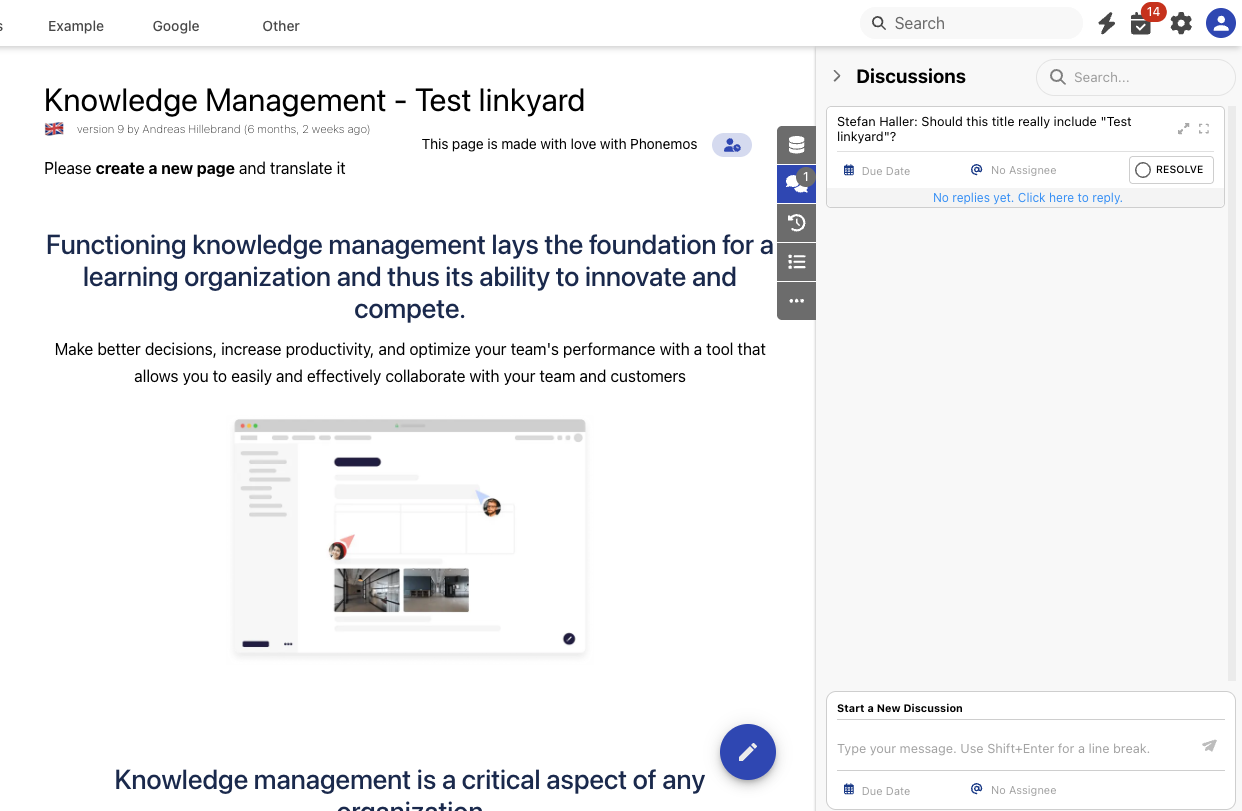
Please note that you may have any number of discussions, each starting a new discussion thread where many people can reply to each other. Every discussion is also a task as we interpret an open discussion as something that needs to be reacted upon. This is why it can have a due date and and assignee. A discussion can be marked as resolved or reopened.
Opening the discussion features for users with viewer license
plan business
By default, discussions require an editor license of Phonemos. But in certain settings where you have only a very small number of actual content authors, but a huge crowd of content consumers, you might want to be able to gather feedback from them without requiring to license everybody as a full editor.
In plan business, you can customize roles. This feature allows you to turn on permission to start a discussion even when the user only has a viewer license attached.