plan business
You can integrate external issue data from Youtrack by adding a connector. Please note that connectors are not automatically available, if you miss a connector, reach out to us to request a connector activated.
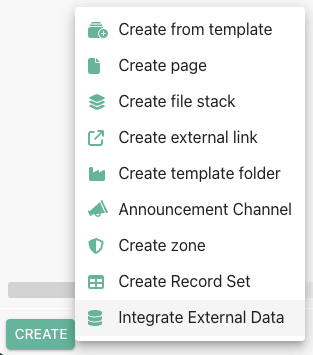
Youtrack can be added as an external data source to make Youtrack issue data available within Phonemos. The connector is read only. Updates in Phonemos do not lead to any change in Youtrack.
Personal access token
In order to access the Youtrack data, you need a personal access token of a user with the appropriate permissions in Youtrack. Please note, that we access Youtrack data with this specific user in the connector. This means, that individual permissions of the currently active Phonemos user within Youtrack will not be respected.
While it would have been possible to build a connector where every Phonemos user also needs a user in Youtrack, we believe the usage of a single user allows for more integration scenarios. If we would every Phonemos user to require his or her own login in Youtrack, this would automatically require a Youtrack license for this user, thus adding additional cost. In many contexts, you have for example a dozen developers who track their projects in Youtrack, but a 10 fold higher audience of managers, clients and testers who might only need to know about the progress of Youtrack issues, but not directly work with them. With this integration through a proxy user, you can make selected fields from Youtrack available to users that do not have Youtrack licenses and permissions.
Mapping field values
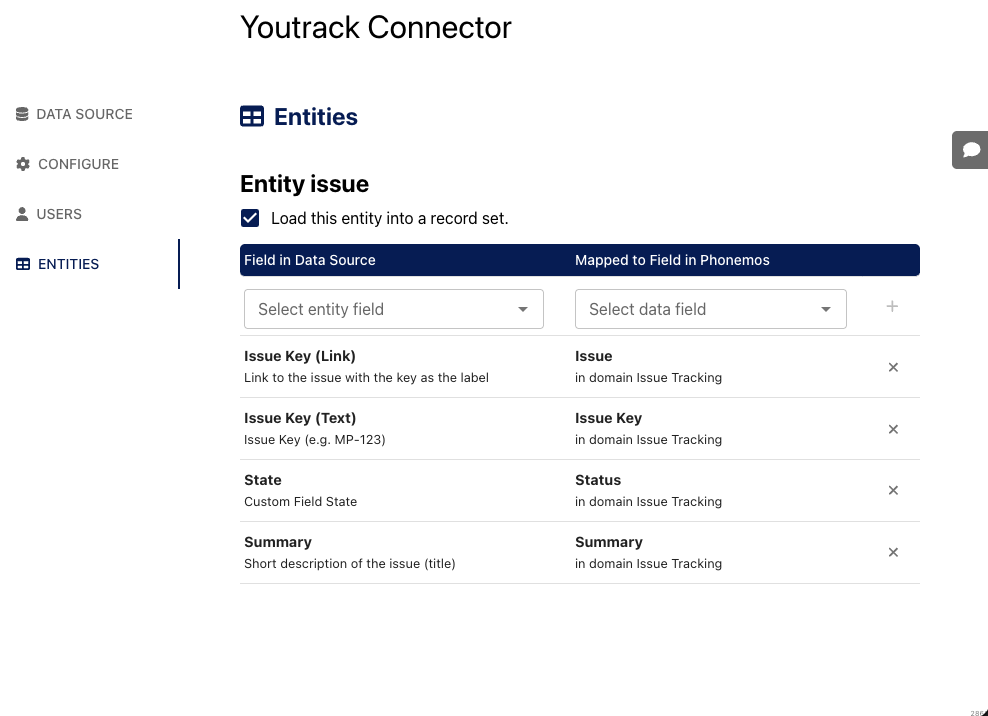
Youtrack has a complex field configuration system. We map each Youtrack field into a Phonemos metadata field (see Manage structured metadata). This way, we can filter, sort and sum up data from Youtrack issues exactely the same way as we can do for all other Phonemos objects.
Linking Youtrack issues
Once the mapping is done and you enter “DEMO-1” followed by a space, it will replace this with a link to Youtrack:

Also, if you paste any direct URL to an issue from youtrack, the system will convert it to a youtrack link.
Query and display Youtrack issues
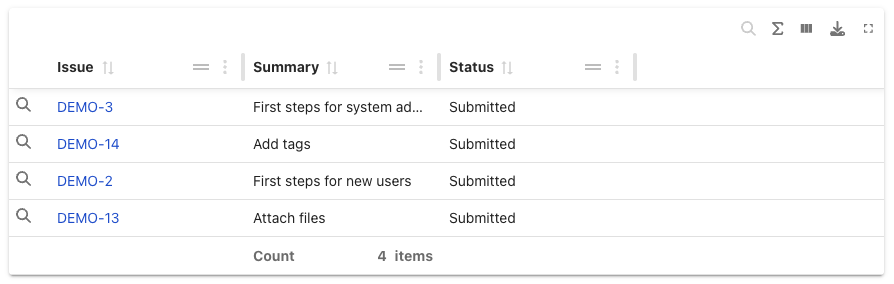
Once the mapping is done, you can also just query all Youtrack issues in data tables, object lists and so forth as if it were Phonemos objects.