Use announcement channels to spread news on a certain topic.
Add a new announcement channel
To add a new announcement channel, select “announcement channel” in the create menu.
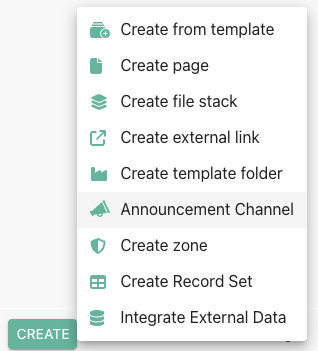
Create an announcement channel
View and react on news
When opening an announcement channel, you find a list of announcements in reverse chronological order (newest first) with a short extract of the text.
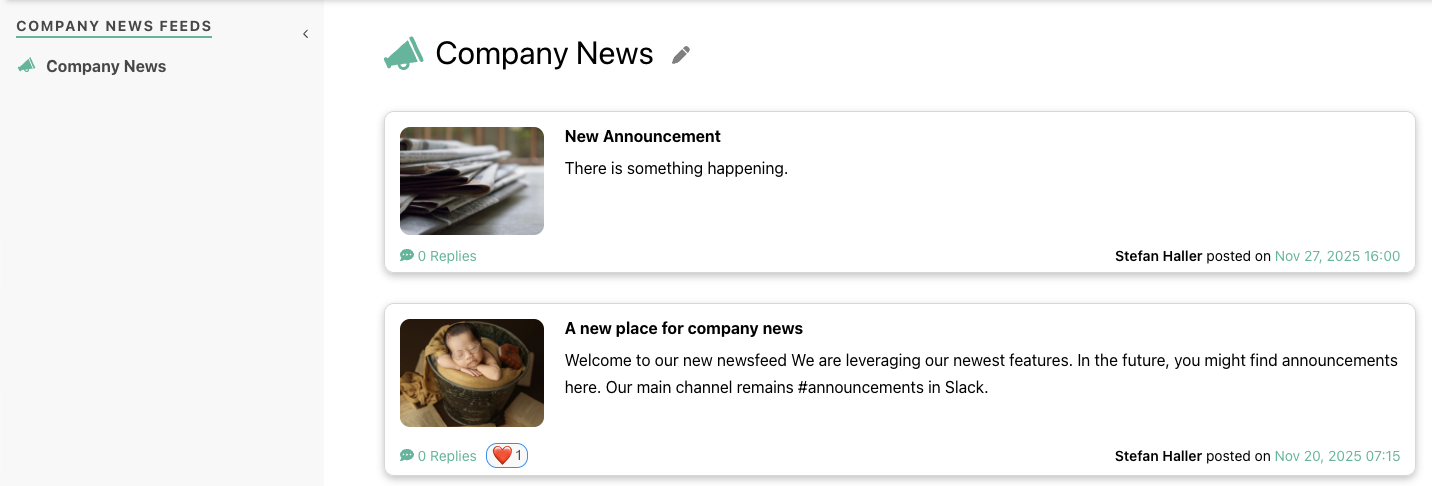
An example announcement channel feed
Clicking on any item will open the complete announcement.
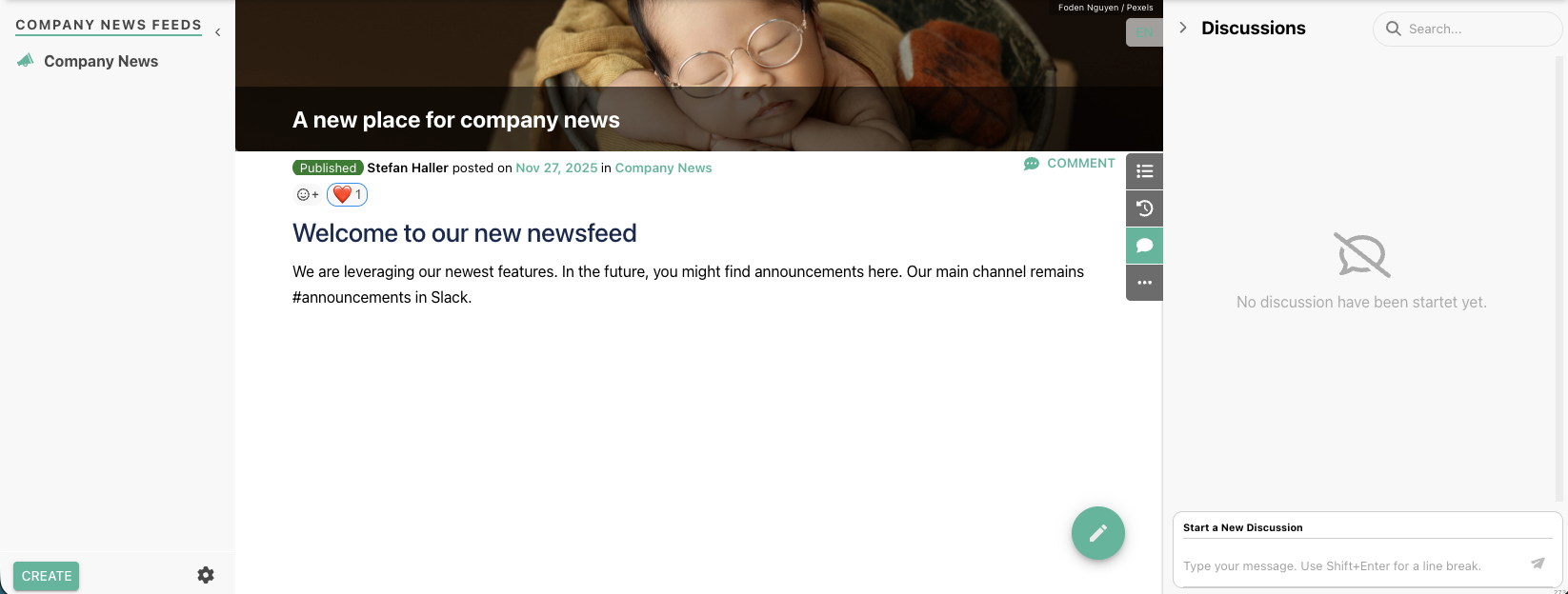
Example individual announcement
Please note that the title image (see Page decorators) is used also as the image in the feed view. In this view, your audience can react on your announcement with reactions or reply to it by starting a discussion.