When on a Phonemos page, use the “…” menu on the right side pane and choose “Export (PDF, Word etc.).
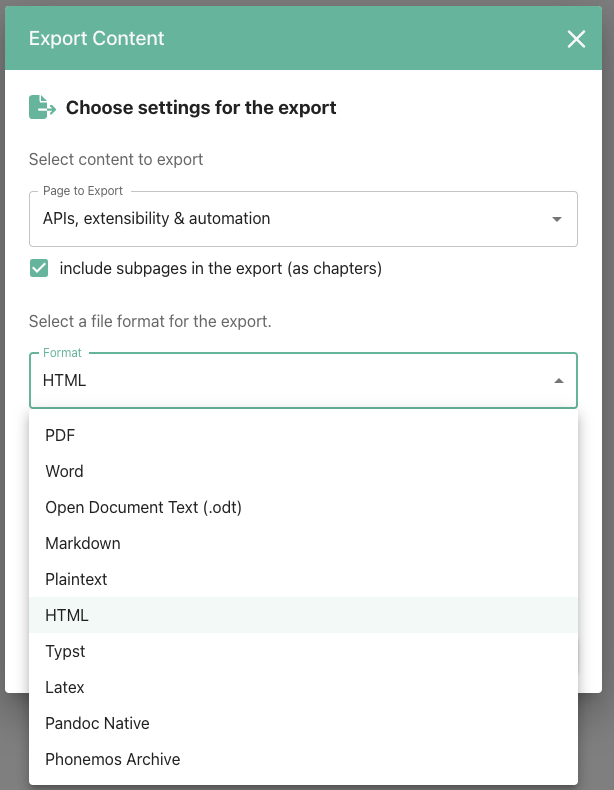
You may choose to export only a single page or the entire page tree.
Supported export file formats:
PDF
Word
Open Document Text (.odt) - LibreOffice, OnlyOffice, Google Docs, Collabora Online etc.
Markdown
Plaintext
HTML
Typst
Latex
Pandoc Native
Inserting manual page breaks
Sometimes you need to insert manual page breaks so that the exported output looks perfect.
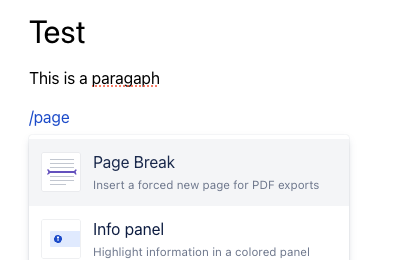
Page break widgets come in three modes:
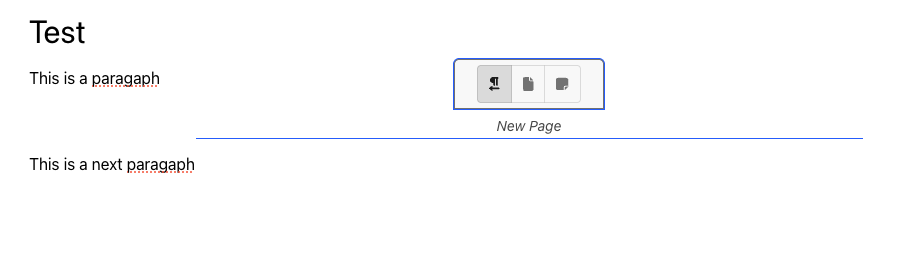
New page: does what its name suggests
New Page (landscape orientation): adds a page break and changes the orientation of the following pages to landscape
New Page (portrait orientation): adds a page break and changes the orientation of the following pages to portrait
Custom CI/CD templating
plan business
Site administrators can add custom Word and PDF/Typst templates to customize the export result and match your corporate design. See Custom Export Templates (CI/CD) for more information on how to build custom templates.