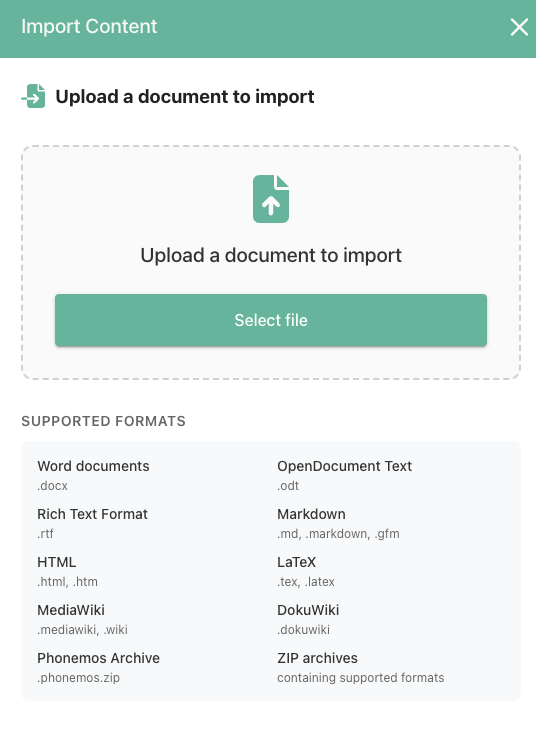
Sometimes you want to export and import Phonemos content, for example to copy data in a staging concept between test and production environments. Use Phonemos Archives for this.
Export Phonemos Archive
When on a Phonemos page, use the “…” menu on the right side pane and choose “Export (PDF, Word etc.)”.
Afterwards choose “Phonemos Archive”
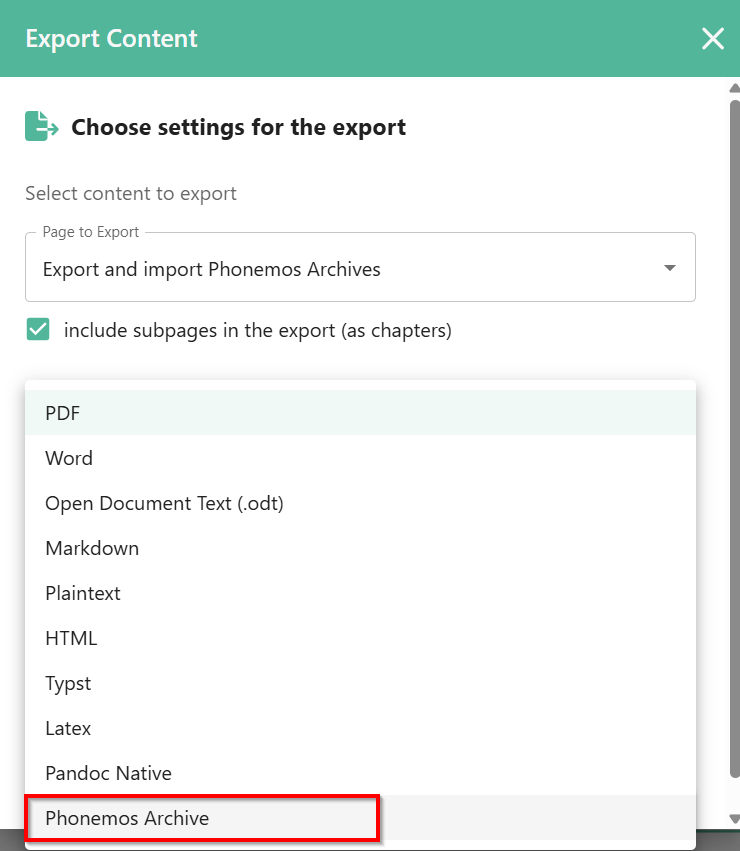
You may choose to export only a single page or the entire page tree.
Import Phonemos Archive
When on a Phonemos page, use the “…” menu on the right side pane and choose “Import content”.